Ping
Check any IP address or host name. Choose the count, interval, timeout, packet size and TTL. Free, no account needed.
Add your links once and see them on every device. Pings Pro checks them around the clock and sends an instant alert when one becomes unstable or goes down.
Free tools, no account needed · Plans from $2 a month
Free network tools for everyone, plus link monitoring for your branches and customers.
Check any IP address or host name. Choose the count, interval, timeout, packet size and TTL. Free, no account needed.
See every hop on the way to the destination, with response times for each hop. Free, no account needed.
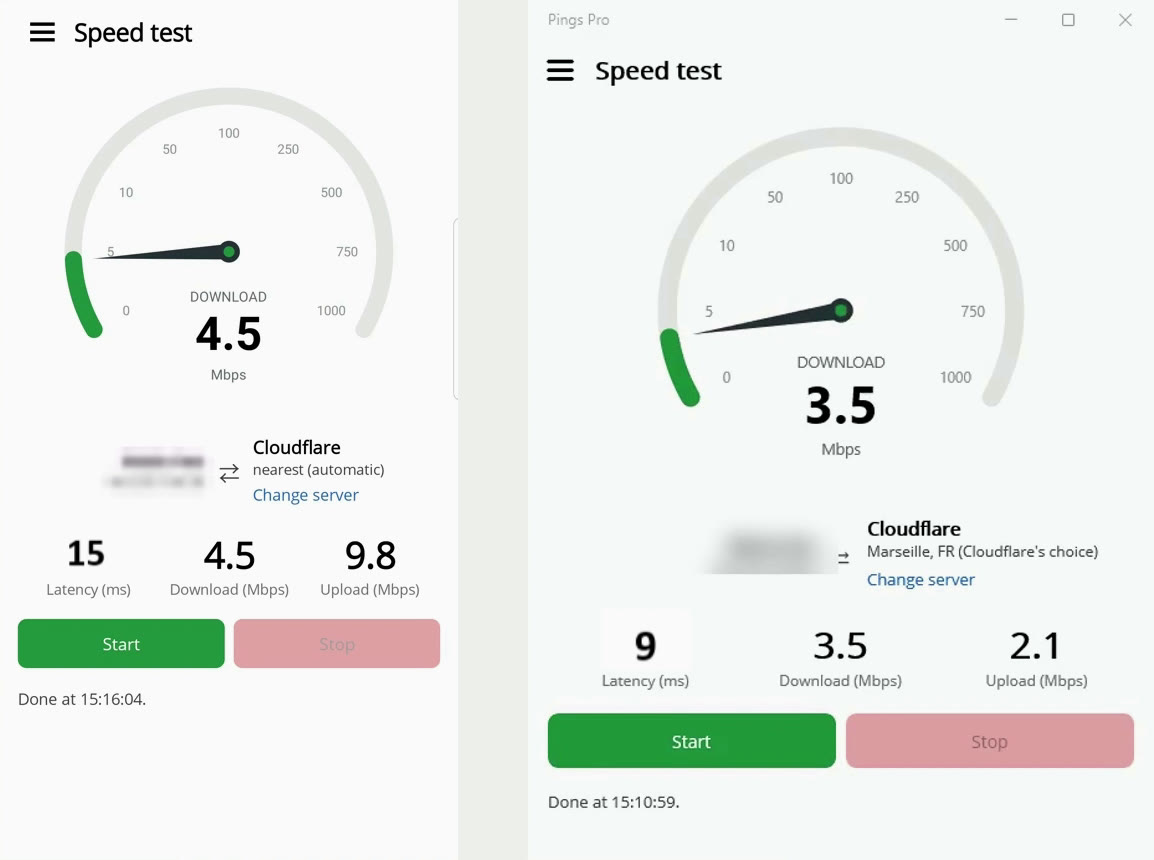
A live dial for latency, download and upload, using the nearest server automatically (or choose your own). Free.
Save links with a customer name, contact person, mobile number and IP or host name, then search them by any of those.
Get a notification when a link becomes Unstable (2 or more of 30 pings lost) or Down (30 pings in a row with no reply), and again when it is back to normal – even when the app is closed.
Add links on one device and they appear on all of them. Alerts reach every device you are signed in on.
Link colors at a glance: working well · needs checking · unstable · down.
One clean app on Android, iPhone and Windows.
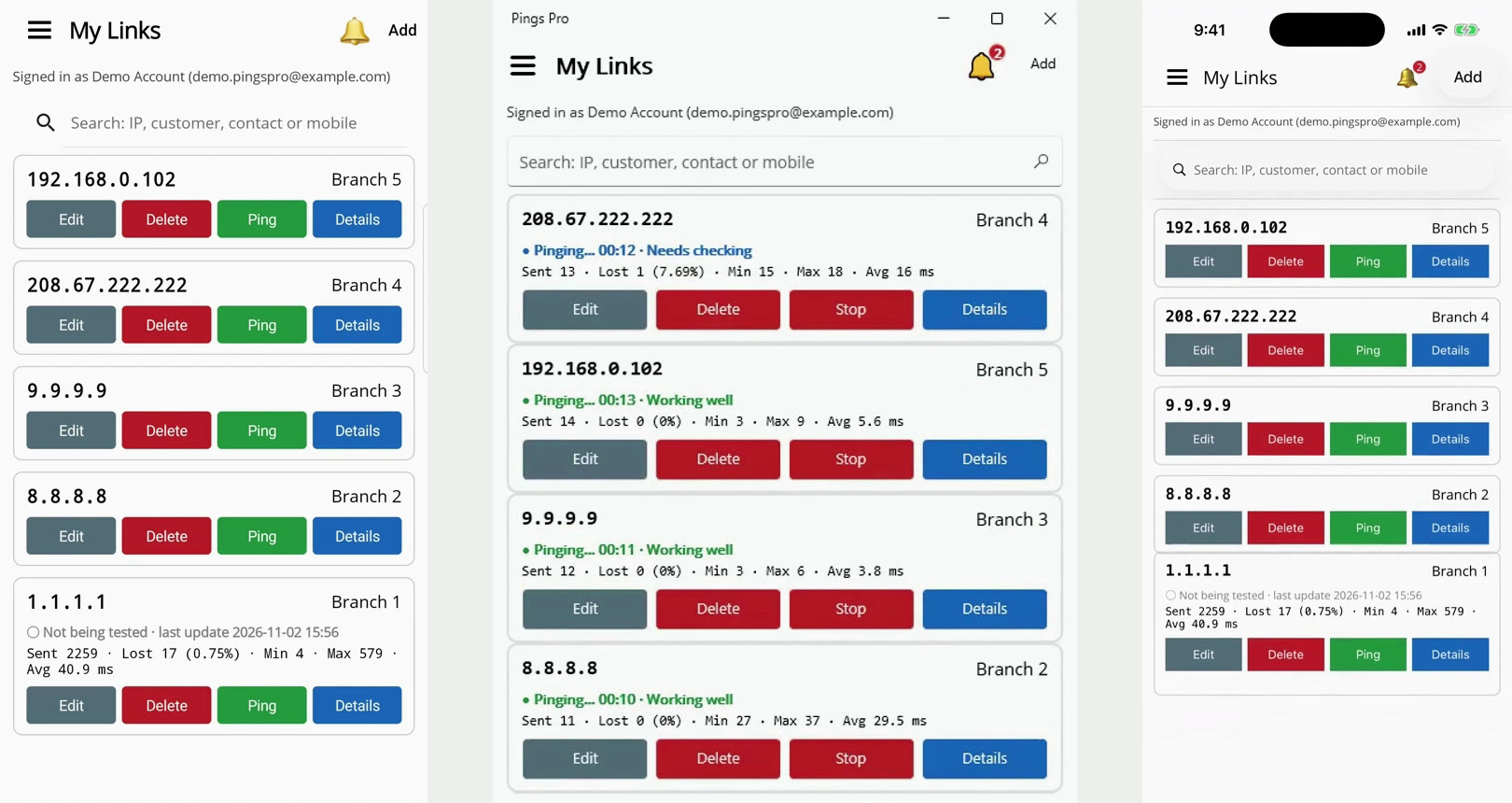
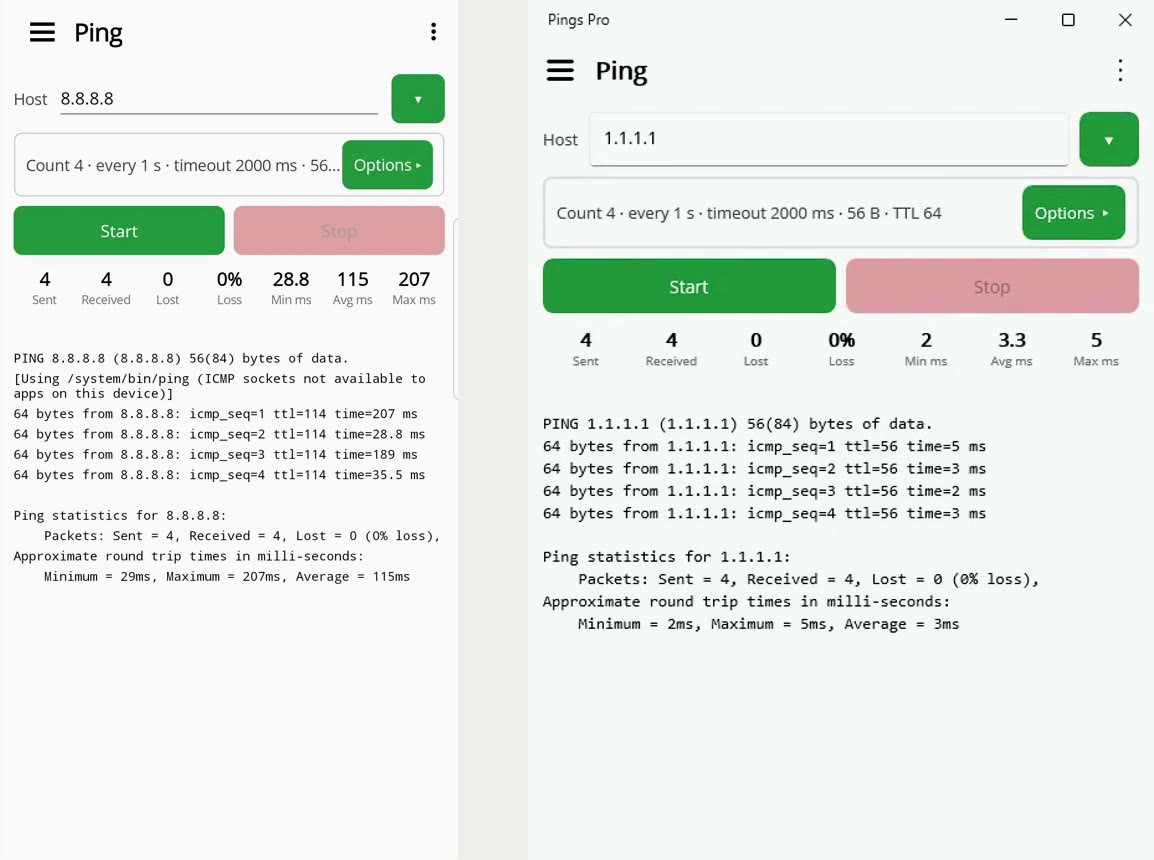
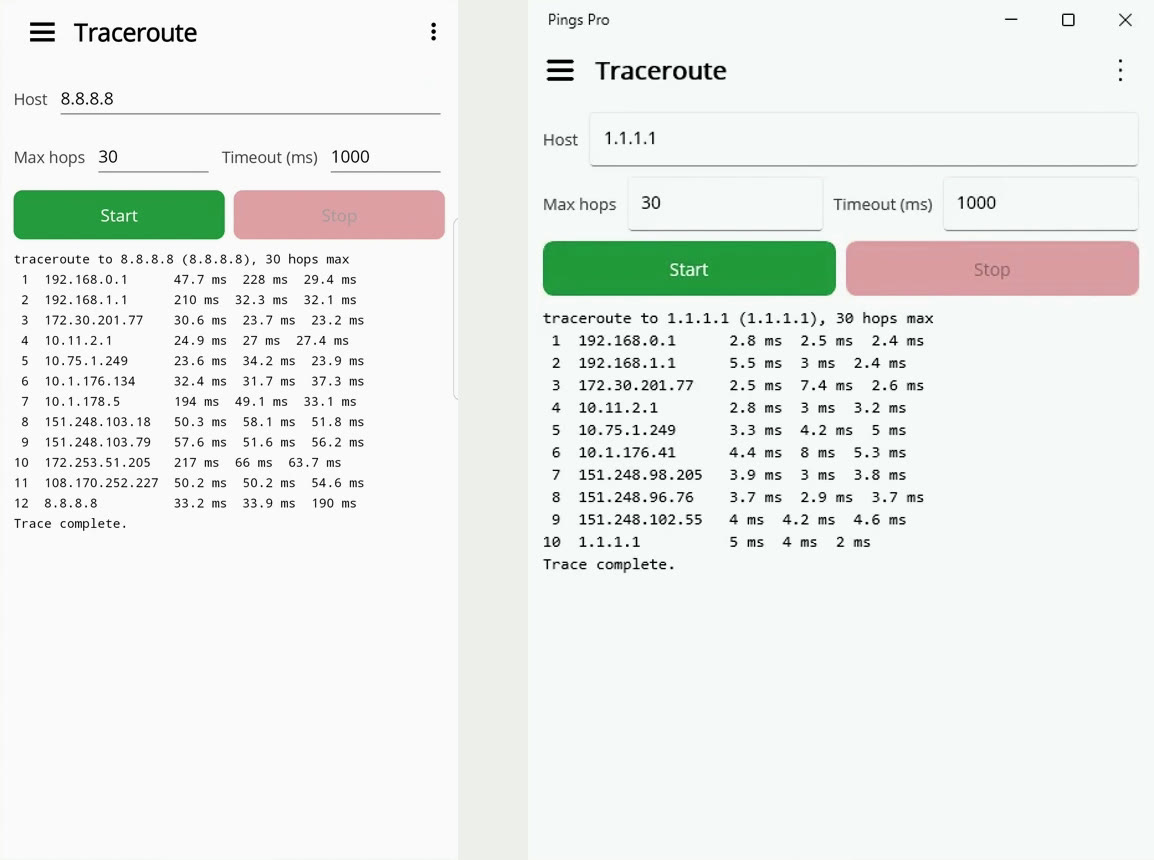
Monitor more links at once, from $2 a month. Ping, Traceroute and Speed test are always free.
Pay securely with mada, Visa, Mastercard and more · VAT included. To subscribe, download the app and choose a plan in My Plan. Choose Pay & renew monthly or Pay once (1 month) when you subscribe.
Available for Android, iPhone and Windows.
Desktop app
[PLACEHOLDER: Windows download link]Phones and tablets
[PLACEHOLDER: Google Play link]iOS
[PLACEHOLDER: App Store link]Pings Pro is an app for Android, iPhone and Windows that lets you ping, trace routes, test your connection speed and monitor your network links, with alerts when a link has a problem.
Not for Ping, Traceroute and Speed test. To save and monitor links you create an account with your email, so your links follow you across devices.
Yes. The Free plan lets you monitor 1 link. Paid plans start at $2 a month for up to 5 links.
A link is marked Unstable when 2 or more of 30 pings are lost, and Down when 30 pings in a row get no reply. When it answers all of 30 pings again, as fast as usual, you get a “back to normal” notification too.
On Android and iPhone, yes – notifications arrive even when the app is closed. On Windows, notifications appear while Pings Pro is open or minimized.
Pay with mada, Visa, Mastercard and more; VAT is included. Choose to pay and renew monthly, or pay once for a single month. You can turn off automatic renewal at any time in My Plan.
Use the contact page and we will get back to you.